Building a Trackball for Vibe Coding
General ·I’ve been thinking about making a trackball for vibe coding. Or at least a trackball for myself.
Backstory
I’ve been using a trackball instead of a mouse for ages. It’s basically a mouse, but you roll a ball with your finger instead of sliding the whole thing around.
I also have a walking pad under my desk. I work standing up and turn it on sometimes to get more steps in and keep moving.
With this setup, keeping my hands on the desk isn’t always ideal. I do a ton of dictation and not much typing, so my hand just sits there on the desk getting tired. I wanted more freedom of movement, and I wanted to be able to hold my trackball in my hand while walking. I also thought it would be cool if this controller had a built-in mic and a dictation button.
Couldn’t find anything like that on the market. There are a couple options, but nothing quite matches what I had in mind. Just to be safe, I ordered one from AliExpress that looked pretty close in design. It’ll make a great donor for my project.
So I Decided to Build My Own Trackball
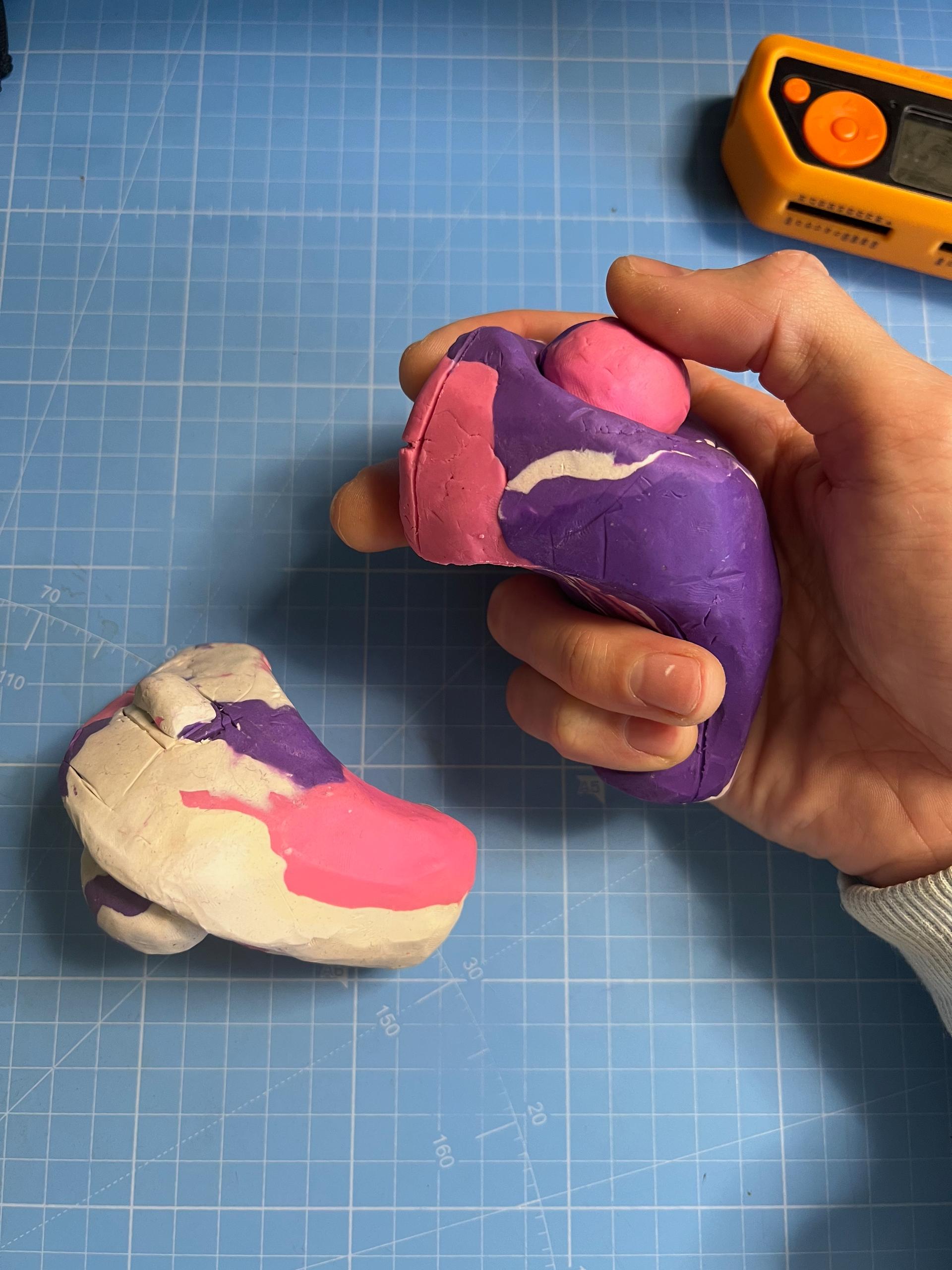
I rode that wave of motivation and started building. First thing I did was go to the store and grab some modeling clay. I sculpted a prototype. Grabbed a whole mountain of the stuff, mashed it into a giant ball. Made the first prototype, then a second, then a third. Then I did a 3D scan with my iPhone. Luma AI is the easiest option.
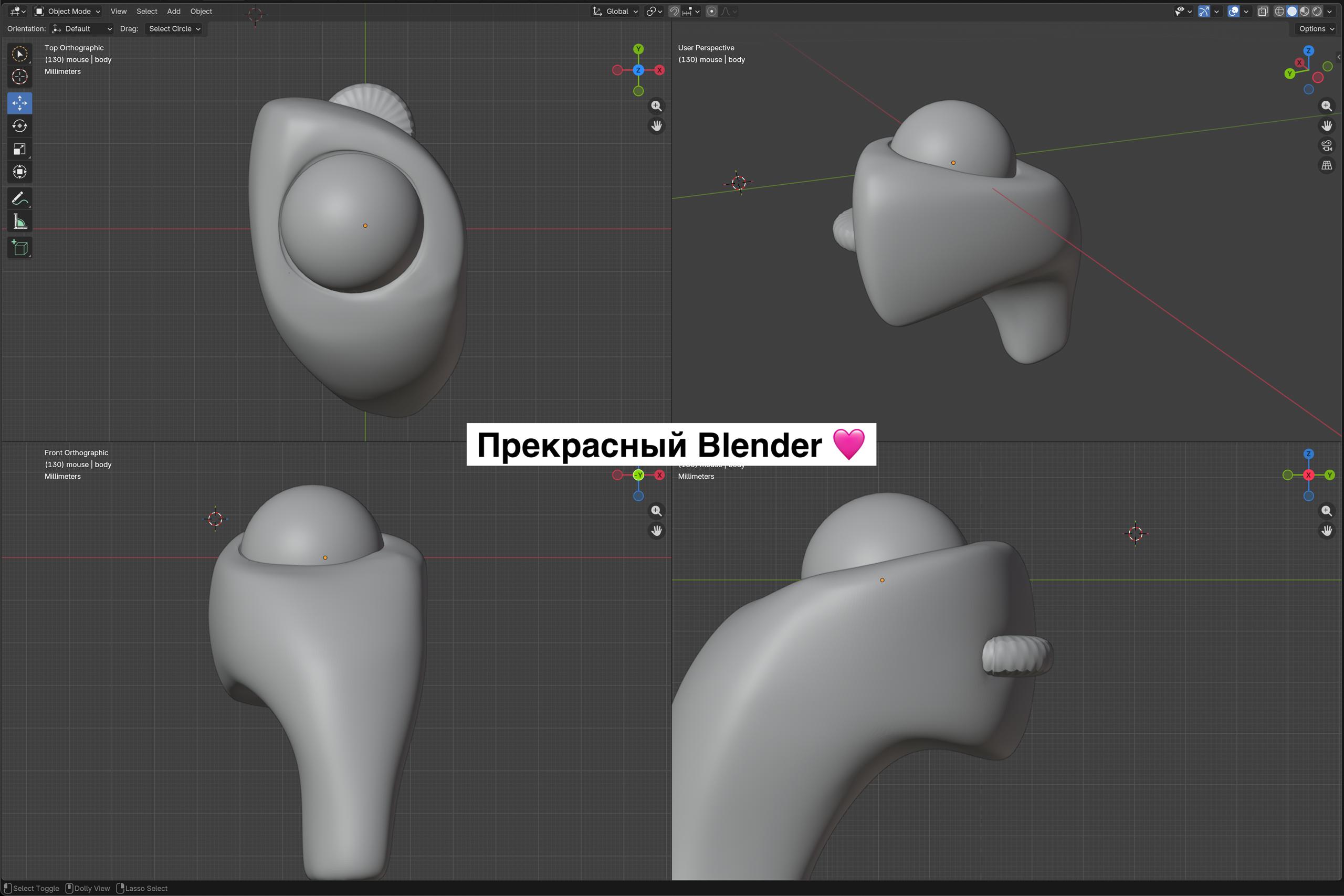
I already knew Blender basics, so I started modeling based on that scan. When the 3D model was almost ready, I started thinking about how I’d actually print it so it would be a proper enclosure.
Blender isn’t great for this kind of work, because if I want to split the enclosure into multiple parts and then add tweaks, details, holes, I’d have to re-split everything from scratch every time. Way too much grunt work for tiny changes.
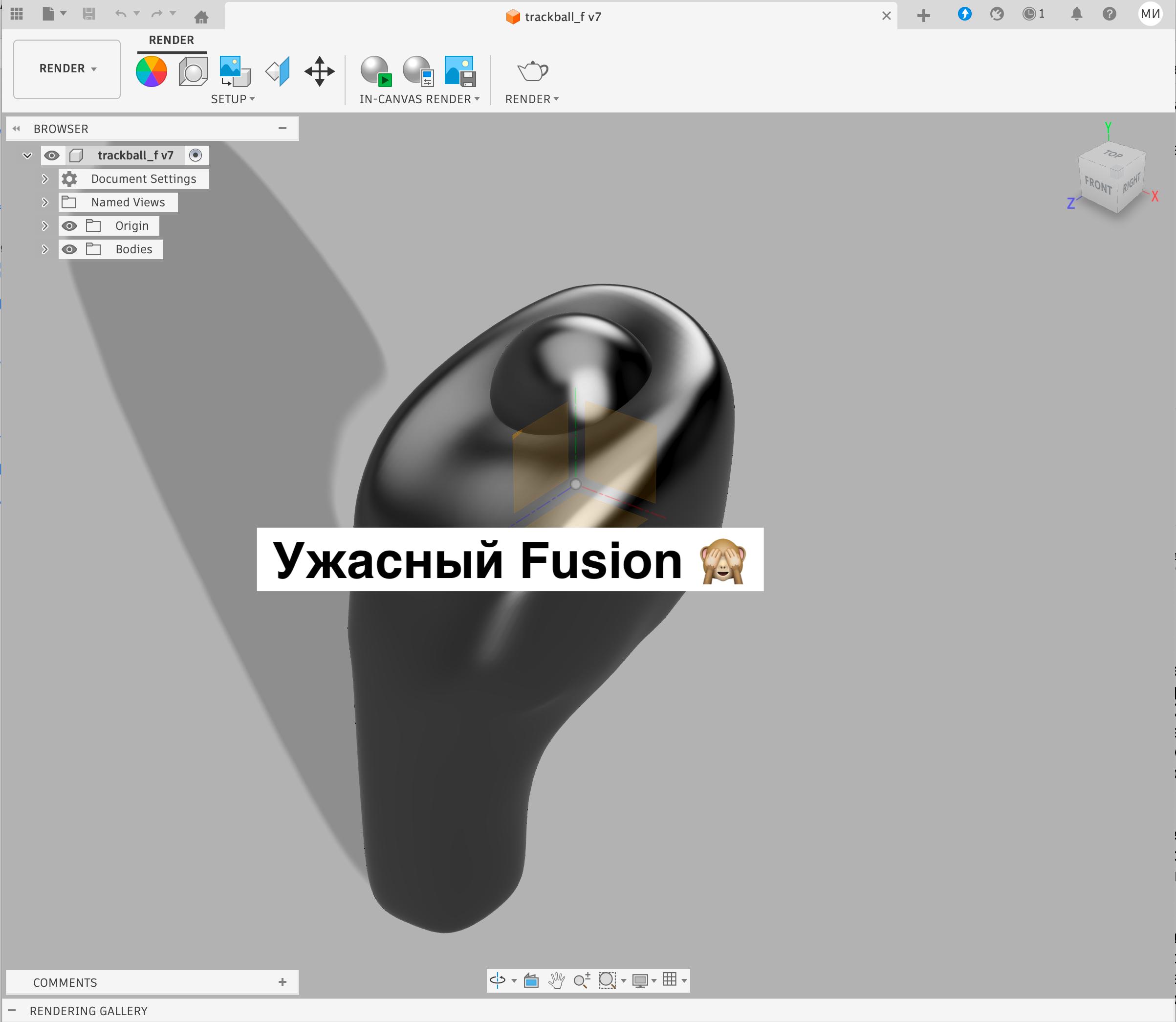
So I installed Autodesk Fusion. It’s pretty much the only, and probably the best free tool for this job. But man, the interface is absolutely terrible, completely unintuitive, maximum confusing. Every single action goes against every pattern you’re used to.
Gritting my teeth, spending a few days, on the second try I managed to model something in there.
The Unexpected Ending
By this point my AliExpress order arrived and I got to try it out in practice… It was a pretty sad day, because that’s the day I realized my whole idea was falling apart due to human physiology.
Pressing a button and controlling the ball with your thumb conflicts with each other, because when you press a button with your index finger, your whole hand tenses up and inevitably your thumb on the ball twitches slightly, and that’s critically important when you’re trying to select and click things on screen with a cursor.
When a mouse sits on a desk, this isn’t a problem because the mouse pushes against the table, and all the force goes into the desk. But when it’s floating in your hand, your thumb and index finger squeeze together. Anyway, that’s where my project ended.
So yeah, that’s how I had a good time. Good thing someone already made a device like this so I didn’t have to spend a ton of time on design, 3D printing, and assembly only to realize in the first five minutes that the idea was doomed from the start. At least I learned some 3D modeling.
Here’s a few pics of the process below.